Synchronizing Operator Connect Jobs
The processing time for Operator Connect jobs depends on the server load. Synchronization jobs can be run to refresh the Web client interface with the Live Platform server and Microsoft Operator Connect platform.
| ➢ | To manage OC Sync tasks: |
| 1. | In the Multitenant Navigation pane, open the OC Sync Tasks page (Monitoring> Operator Connect > Sync Tasks). |
Peering Jobs
|
Job Name |
Description |
|||||||||
|---|---|---|---|---|---|---|---|---|---|---|
|
peering-sbc.release-number-cleanup-sbc-job |
Synchronizes the removal of configured numbers from and SBC dial plan. When multiple SBC devices are deployed for a customer and only one of these devices successfully synchronizes, the Job status 'Partially Completed' is displayed. |
|||||||||
|
peering.sync-acquired-numbers-job |
Triggers the following jobs (in order):
When running the 'peering.sync-acquired-numbers-job', ensure that the 'peering.sync-upload-to-account-job' and 'peering.sync-release-from-account-job' have already been run. |
|||||||||
|
peering.sync-calling-profiles-job |
Synchronizes updates for calling profiles. |
|||||||||
|
peering.sync-leads-job |
Synchronizes the list of leads with the Operator Connect portal list of Customer Consents. |
|||||||||
|
peering.sync-ovoc-channels-job |
Synchronizes the creation of a new Operator Connect channel. |
|||||||||
|
peering.sync-ovoc-customers-channel-job |
Synchronizes the creation of a new Operator Connect service under a channel customer. |
|||||||||
|
peering.sync-ovoc-operatorConnect-info-job |
Synchronizes Operator Connect data
|
|||||||||
|
peering.sync-phonePlans-job |
Synchronizes imported updates to the OC Dialplan. |
|||||||||
|
peering.sync-release-from-account-job |
Synchronizes the release numbers from specific customer. |
|||||||||
|
peering.sync-trunks-job |
Synchronizes an action to create a new SBC connection. |
|||||||||
|
peering.sync-upload-to-account-job |
Triggers the following jobs (in order):
|
|||||||||
|
sbc.sbc-sync-job |
Synchronizes the list of SBC devices (Trunks) associated with Calling Profiles (Trunks Enrolled) in the Operator Connect portal. When multiple SBC devices are deployed for a customer and only one of these devices successfully synchronizes, the Job status 'Partially Completed' is displayed. |
|||||||||
|
virtual-peering.sync-upload-release-aquired-sequence |
Triggers the following jobs (in order):
|
| 2. | Monitor actions according to the following table. |
|
Parameter |
Description |
|---|---|
|
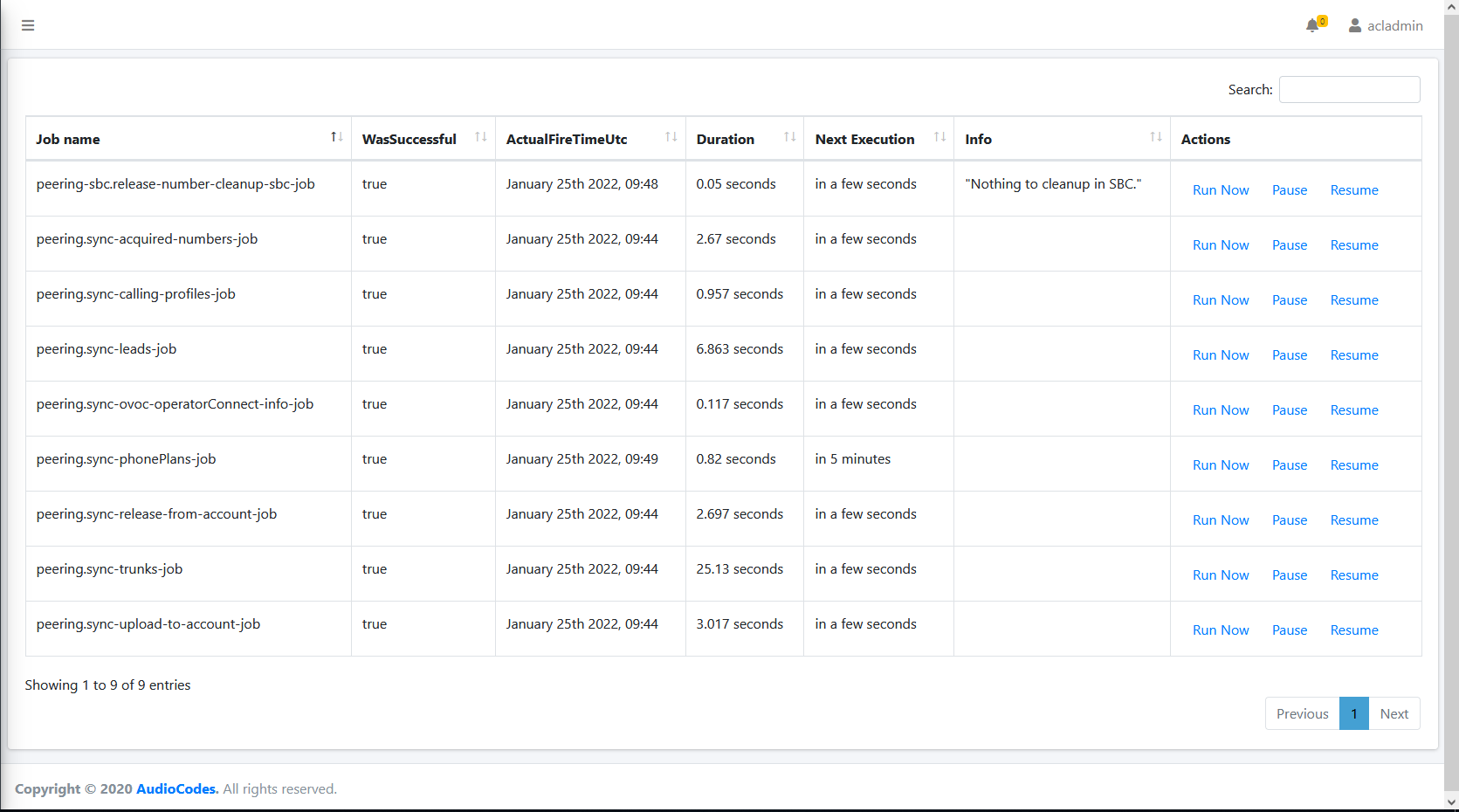
Job name |
The name of the Operator Connect operation. |
|
WasSuccessful |
Indicates whether the job completed successfully. |
|
ActualFireTimeUtc |
The time of the job execution. |
|
Duration |
The duration of the job (seconds). |
|
Next Execution |
The next execution time for the job. |
|
Info |
Additional information describing the job. |
| 3. | Perform actions according to the following table. |
|
Action |
Description |
Message |
|---|---|---|
|
Run Now |
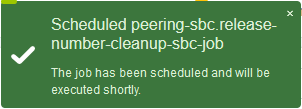
Schedules to run the job. |
|
|
Pause |
Pauses the job run. |
|
|
Resume |
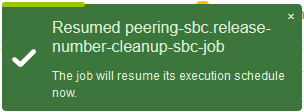
Resumes the job execution schedule. |
|